
Three Dungelo characters can keep you company in the Codex and ChatGPT apps. A pet shows what your chats are doing: working, waiting for you, done or failed. They are free.
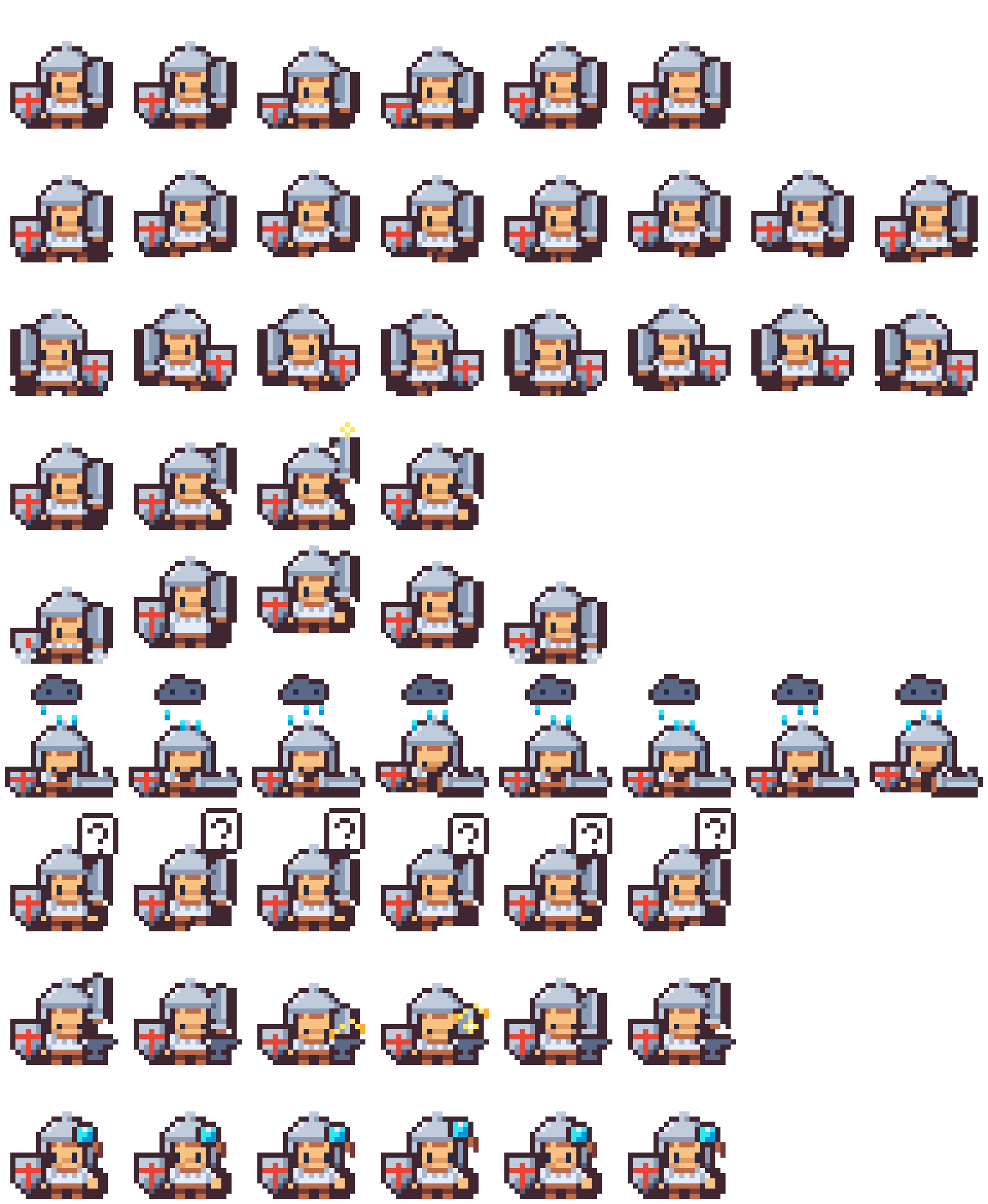
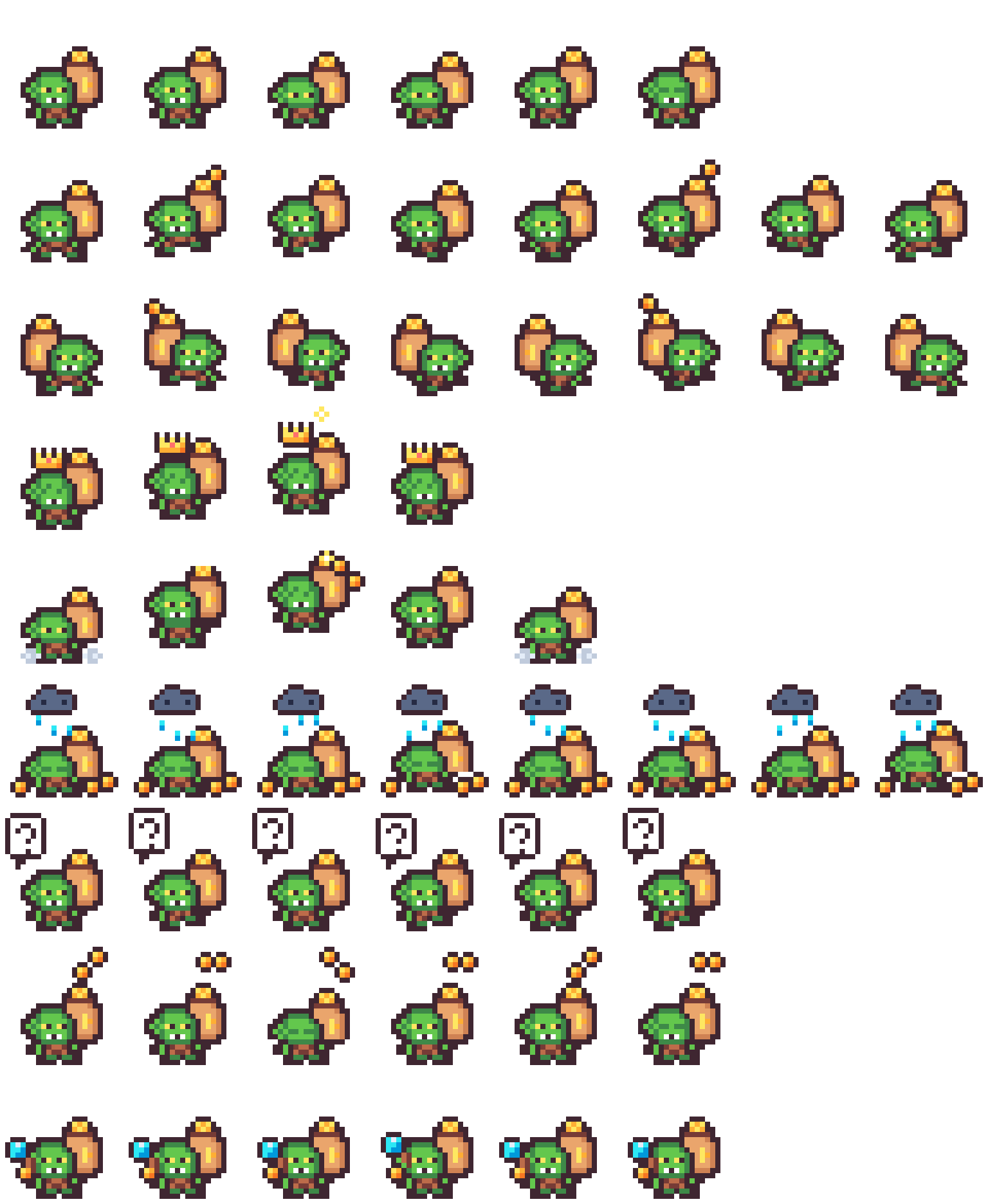
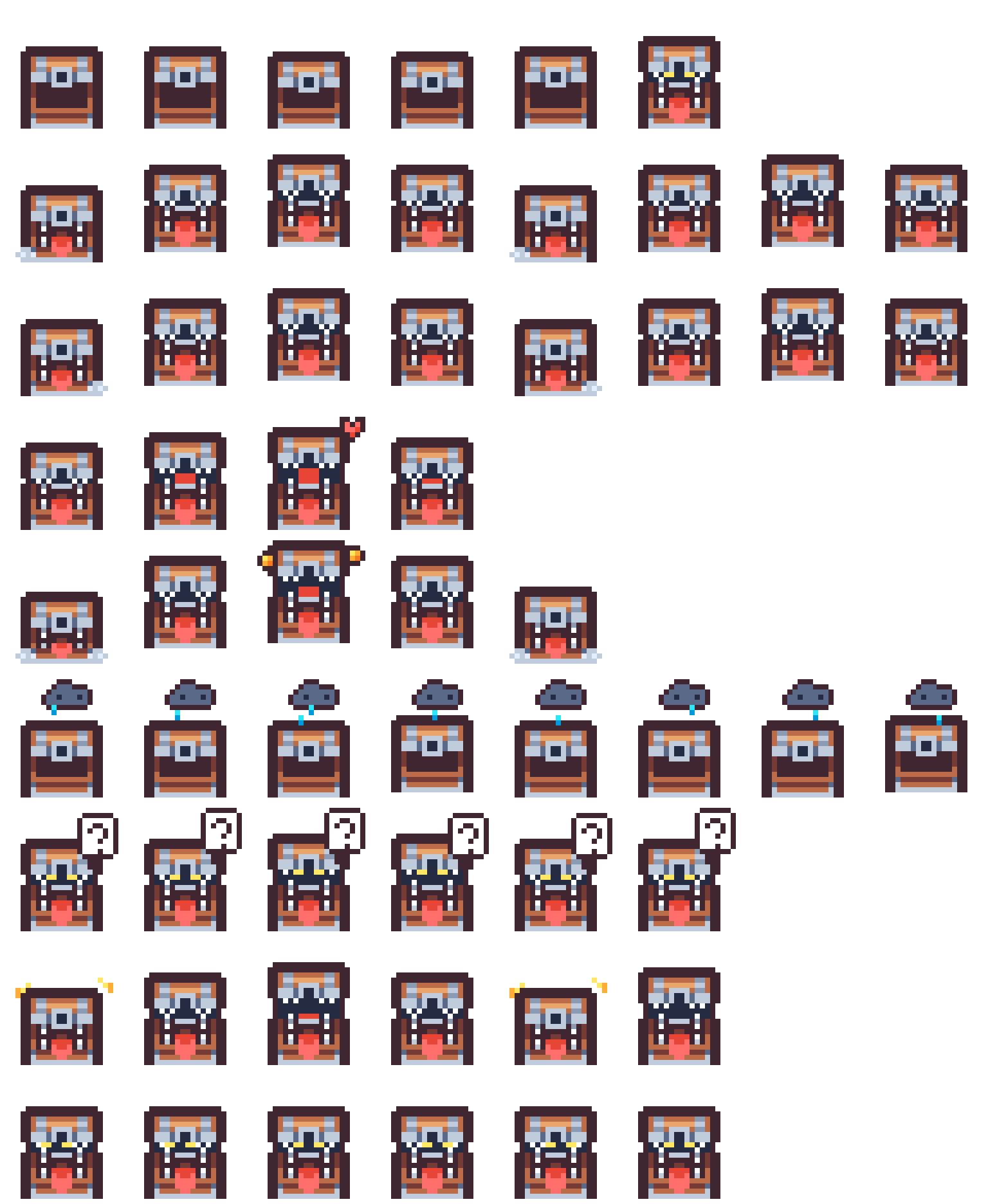
Codex app or ChatGPT desktop app
- Unzip the file. It holds a folder for each pet.
- Copy a pet's folder into the pets folder. On a Mac or Linux that is
~/.codex/pets/. On Windows it is%USERPROFILE%\.codex\pets\. Make the pets folder if it isn't there. - Open Settings, then Pets, and select Refresh.
- Choose the pet.
ChatGPT on the web
Download a pet's sheet above. Open Settings, then Personalization, then Pet. Select Upload pet and choose the sheet.
Good to know
- You may use these pets as your own. Please don't sell them.
- Dungelo made these pets. OpenAI didn't make them and doesn't endorse them.
- Codex and ChatGPT are OpenAI's apps. The pets work the same as any custom pet there.